Edit a request (WCAG)
You can edit a request with a status of Pending, Escalated, Waitlisted, or Tentatively Approved.
Procedure
-
Go to My Home. Under My Requests, select My Requests.
-
Highlight the row of the request that you want to edit.
-
From the Actions column, select the Edit icon
 .
.
-
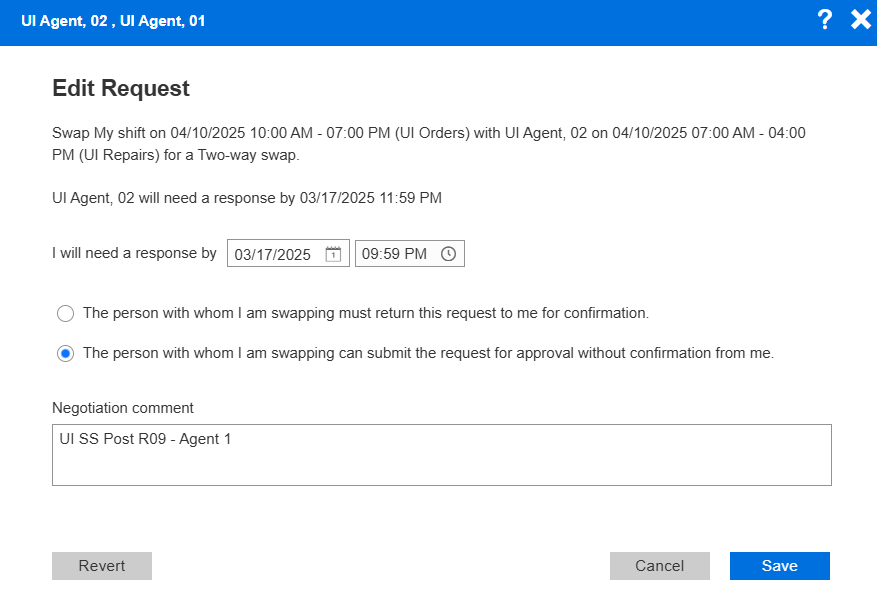
On the Edit Request form, update the relevant fields.
-
To save your changes, select Save.