Escalate a request (WCAG)
If configured accordingly by your administrator, you can escalate a denied request. After escalating the request, the status changes to Escalated.
Procedure
-
Go to My Home. Under My Requests, select My Requests.
-
Highlight the row of the request whose denied status you want to escalate.
-
From the Actions column, select the Escalate icon
 .
.
-
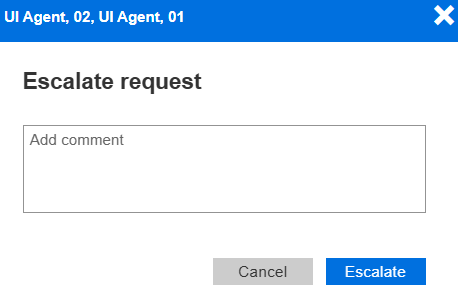
On the Escalate Request form, add a comment and select Escalate.