Withdraw a request (WCAG)
You can withdraw a request that you submitted.
Procedure
-
Go to My Home. Under My Requests, select My Requests.
-
Highlight the row of the request that you want to withdraw.
-
From the Actions column, select the Withdraw icon
 .
.
-
On the Withdraw Request form, enter a comment (optional), and select Withdraw.
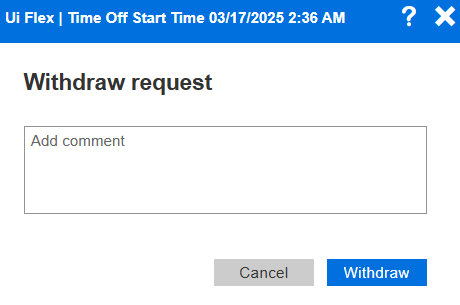
Note the following:
-
If you select to withdraw a Pending request, the system withdraws it (without manager approval).
-
If you select to withdraw an Approved request, your manager can approve, reject, or cancel your withdrawal request.
-
After you request to withdraw an Approved request, you can select to Cancel Withdrawal under Actions.
-